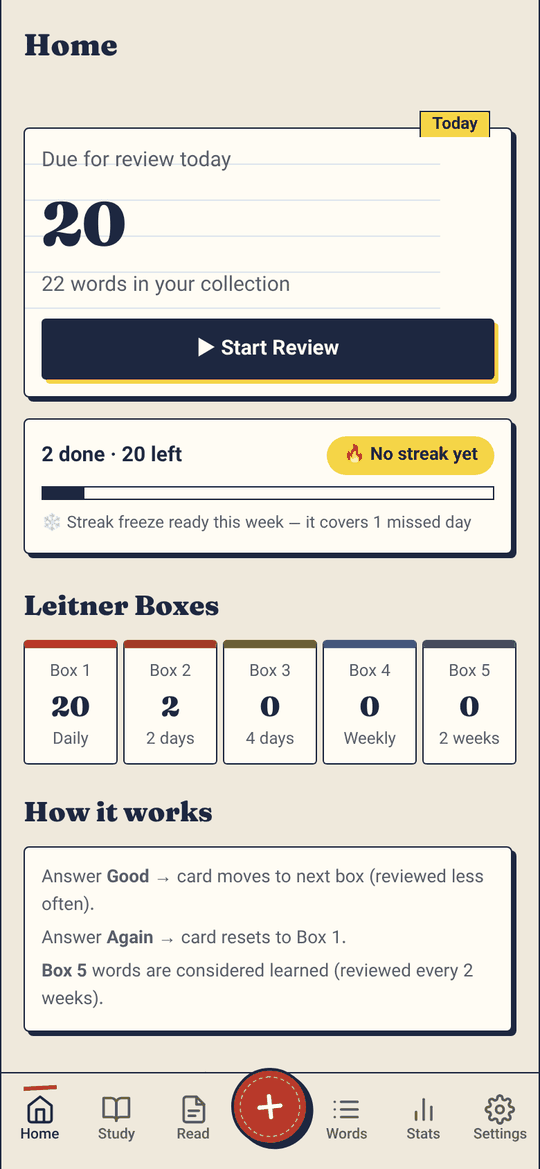
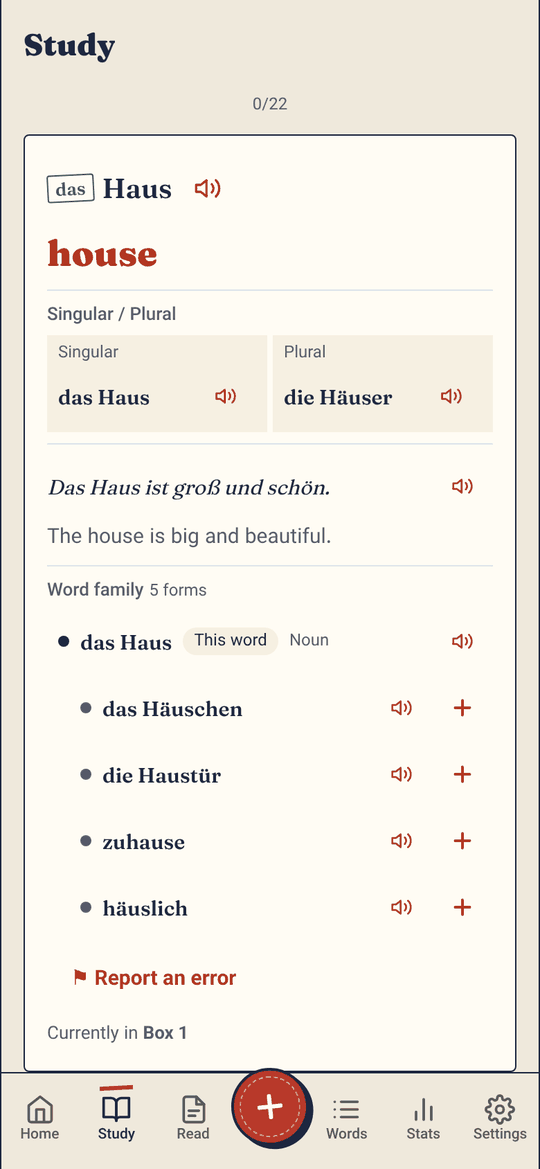
مرور با جعبههای لایتنرLeitner boxes
هر کارت که بلد باشید به جعبهٔ بعد میرود و دیرتر برمیگردد؛ اشتباه، دوباره به جعبهٔ ۱.Know a card and it moves up and comes back later; miss it and it goes back to box 1.
12345
کارتهای لایتنر، دیکشنری مشترکِ هزاران واژه با معنی فارسی و انگلیسی، و هر روز یک داستان کوتاه آلمانی. Leitner flashcards, a shared dictionary of thousands of words with Persian and English meanings, and a short German story every day.
روی آیفون، اندروید و کامپیوتر — به فارسی و انگلیسی.On iPhone, Android and desktop — in English and Persian.
بدون App Store — مثل یک اپ روی صفحهٔ اصلی، تمامصفحه و آفلاین.No App Store — an icon on your home screen, full screen, works offline.
روی آیفون فقط Safari میتواند اپ را روی صفحهٔ اصلی نصب کند.On iPhone, only Safari can add the app to your home screen.
با یک دکمه — مثل یک اپ معمولی، با آیکون و تمامصفحه.One tap — like any app, with an icon and full screen.
اگر دکمهٔ نصب نیامد: منوی ⋮ در Chrome ← «Add to Home screen».No install button? Chrome menu ⋮ → “Add to Home screen”.
این آدرس را روی گوشی باز کنید تا مراحل نصبِ همان گوشی را ببینید — یا همینجا در مرورگر شروع کنید:Open this address on your phone to see the install steps for it — or start right here in the browser:
wortschatz
هر کارت که بلد باشید به جعبهٔ بعد میرود و دیرتر برمیگردد؛ اشتباه، دوباره به جعبهٔ ۱.Know a card and it moves up and comes back later; miss it and it goes back to box 1.
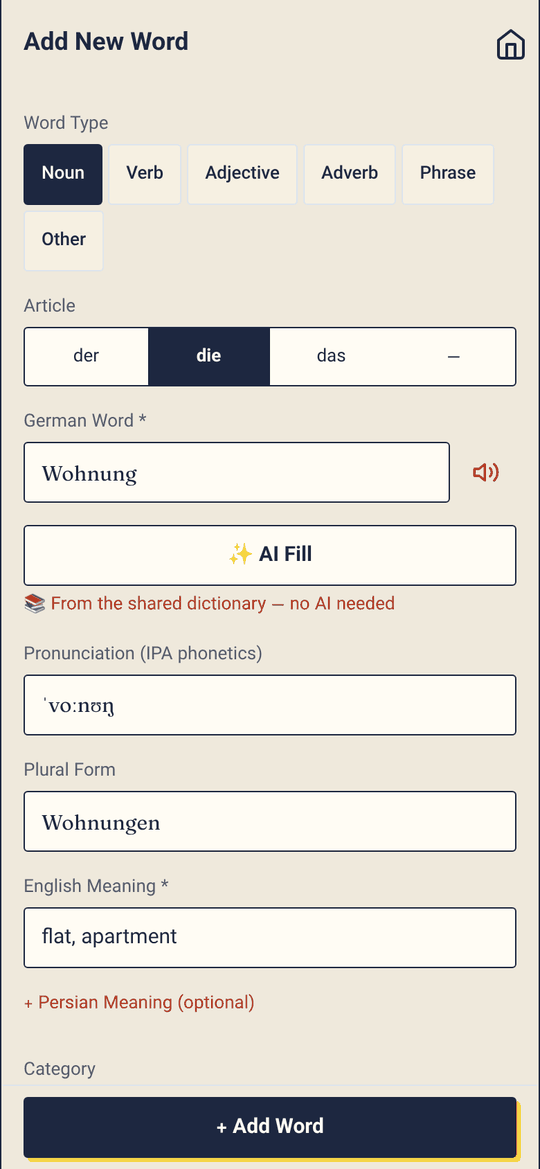
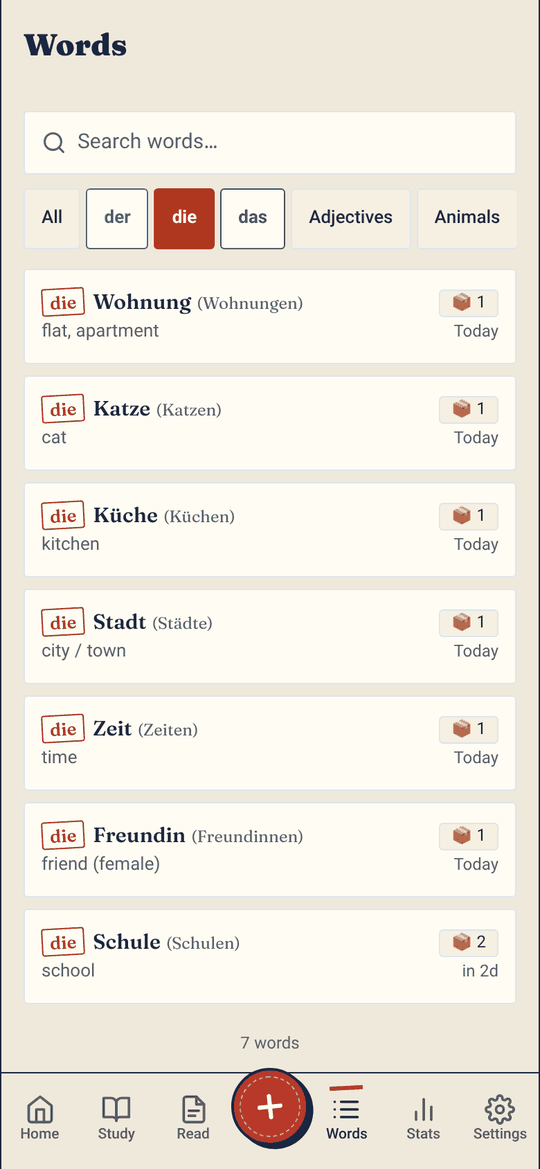
واژه را بنویسید؛ معنی، جمع، مثال و حرف تعریف خودش میآید — بیشتر وقتها بدون هوش مصنوعی.Type a word; the meaning, plural, example and article fill in — usually without any AI.
der See · دریاچه· lake die See · دریا· sea
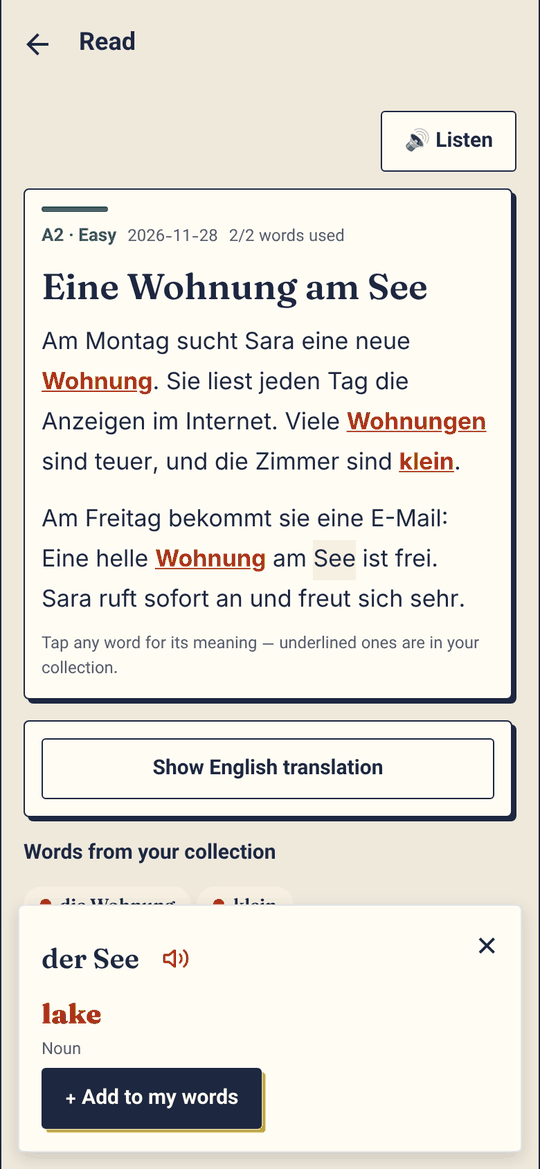
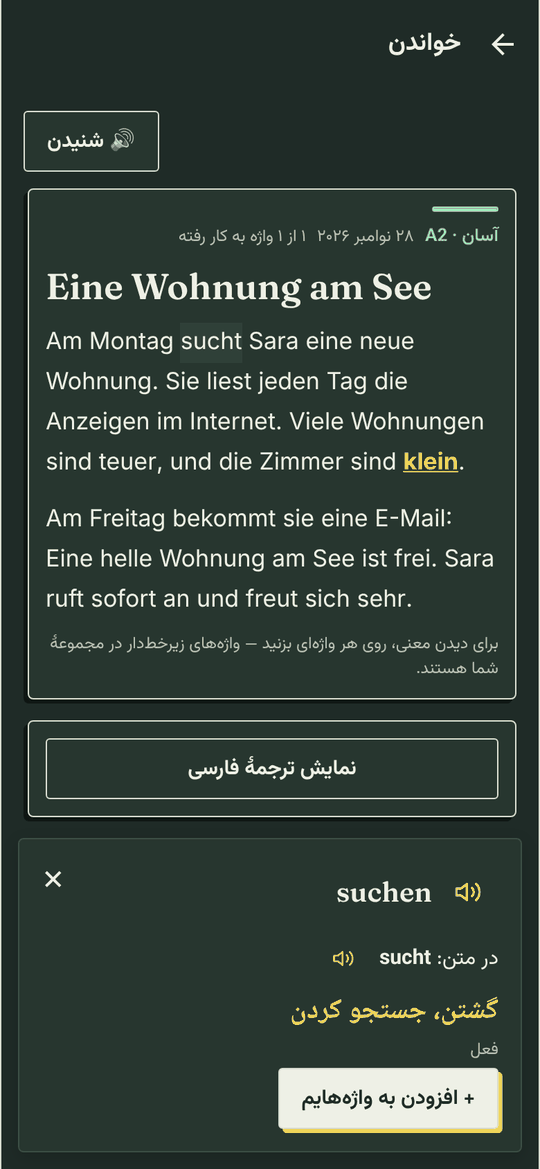
داستان کوتاه در سطح خودتان (A2 تا B2) که واژههای خودتان در آن است. روی هر واژه بزنید.A short story at your level (A2–B2) that uses your own words. Tap any word.
Am Freitag bekommt Sara eine E-Mail…
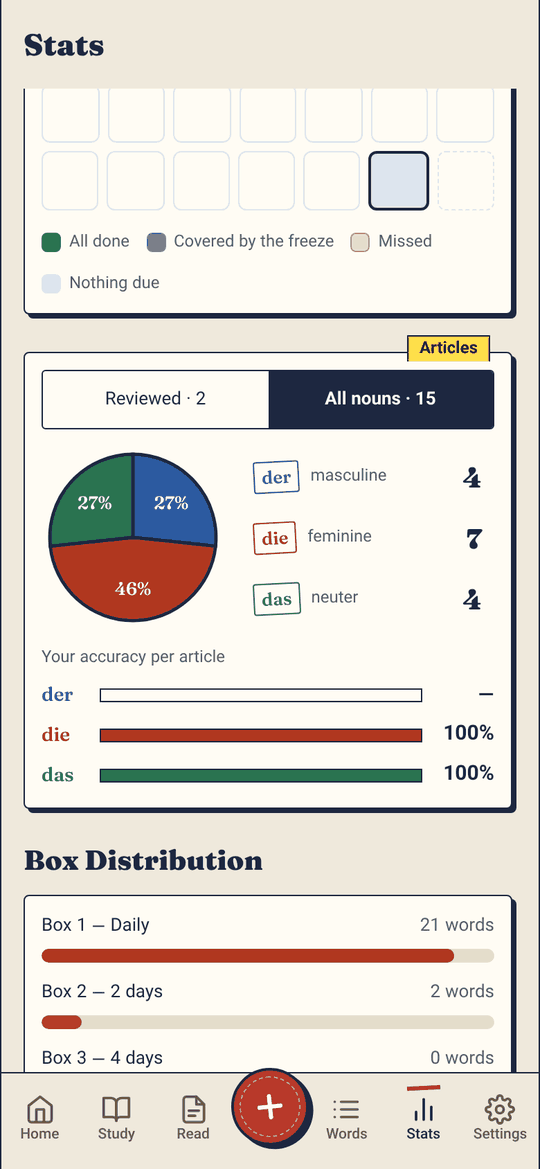
نمودار حرفهای تعریف اسمهای شما و دقتتان در هر کدام — ببینید کجا بیشتر اشتباه میکنید.A chart of your nouns by article and your accuracy for each — see where you slip.
der 27% die 46% das 27%
همهٔ اپ به فارسی (راستبهچپ) یا انگلیسی؛ تم روشن «کاغذ» و تیرهٔ «تختهٔ کلاس».The whole app in English or Persian (right-to-left); a light “paper” and a dark “blackboard” theme.
همهچیز روی گوشی ذخیره میشود. با Google یا ایمیل وارد شوید تا گوشی و کامپیوتر با هم یکی باشند.Everything is saved on your device. Sign in with Google or email to keep phone and computer in sync.
بله. برای واژههایی که در دیکشنری نیستند میتوانید کلید رایگان Gemini یا Groq خودتان را بگذارید.Yes. For words not in the dictionary you can add your own free Gemini or Groq key.
نه. فقط اگر بخواهید بین چند دستگاه همگام شود.No — only to sync between devices.
روی دستگاه خودتان. با ورود، در حساب شما در Supabase؛ کلید هوش مصنوعی هیچوقت آپلود نمیشود.On your device; when signed in, also in your account (Supabase). Your AI key is never uploaded.
هنوز نه — نسخهٔ وب همان اپ است و با «Add to Home Screen» مثل یک اپ نصب میشود.Not yet — the web version is the same app and installs like one with “Add to Home Screen”.